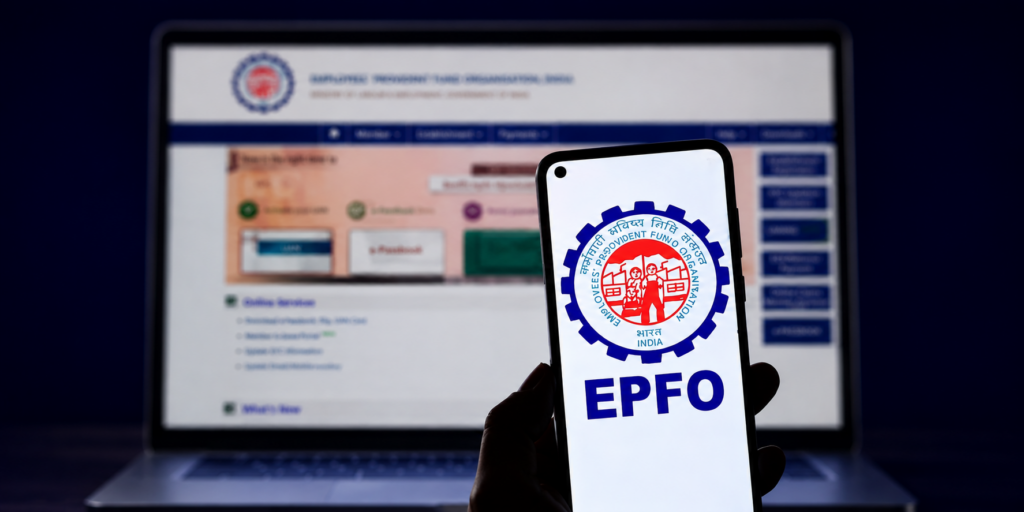
Managing a PF account used to be a nightmare. You’d take time off work, stand in a queue at the EPFO office, and still leave with half your problems unsolved. EPFO figured this out and gave everyone a Universal Account Number (UAN): one single ID that keeps all your PF accounts tied together, even when you switch jobs.
Now, through the EPF portal employee login, you can do everything sitting on your couch. Check balance, download passbook, update KYC, track claims. (Seriously, the fact that this exists and people still don’t use it is wild.)
This blog breaks down how to get started on the UAN Member Portal, register, reset your password, and actually make use of what’s there.
What is the EPF Portal and Its Purpose?
The EPF portal is basically your PF account’s home on the internet. EPFO runs it, and it’s where salaried employees can see everything about their provident fund without stepping out.
The EPFO member portal keeps your savings, account details, passbook, and service requests all in one spot. And the best part? It’s all connected to your UAN, so when you switch jobs, nothing gets lost or disconnected.
After the EPF portal employee login, here’s what you can actually get done:
- Check EPF balance
- Download EPF passbook
- Update KYC details
- Track PF claim status
- Reset UAN password
- File grievances online
How to Access the UAN Member Portal
The process is pretty simple, honestly:
- Visit the official EPFO portal: Go to the official UAN member portal login page. Stick to the official site; random third-party links are not worth the risk.
- Enter your UAN and password: Type in your UAN number, PF UAN login password, and solve the CAPTCHA on screen.
- Click “Sign In”: Done. UAN login complete, you’re inside.
How to Register on the UAN Member Portal
If you are using the portal for the first time, you need to activate your UAN before accessing EPFO services online. To do this, follow these steps:
Step 1: Visit the EPF Portal: Head to the official EPFO member portal. The activation option is right on the login page, you won’t have to hunt for it.
Step 2: Locate the Registration Section: Click “Activate UAN” to start the UAN member e-sewa login registration process.
Step 3: Enter Necessary Details: Keep these handy before you start:
- UAN number
- Mobile number
- Name
- Date of birth
- Member ID
- Aadhaar (non-negotiable, it’s mandatory)
Not sure what is a member ID in UAN? It’s just your PF account number linked to a particular employer. Three jobs mean three Member IDs, but they all live under your one UAN. Think of UAN as the umbrella.
Step 4: Create a Password and Complete Registration: An OTP is sent to your registered mobile. Verify it, set a PF UAN login password, and that’s registration wrapped up. From here, it’s just a UAN plus password every time.
Features and Benefits of the UAN Member Portal
Once you’re past the EPF portal employee login, you realise you really don’t need to call HR or visit any office for most things.
Accessing and Downloading EPF Passbook: The passbook has its own portal at passbook.epfindia.gov.in. Every month’s employee and employer contributions appear there, along with pension deposits. (Glance at it once in a while. You’d want to catch any weird numbers early rather than when you actually need the money.)
Updating Personal Information: The EPFO member portal lets you update:
- Mobile number
- Email ID
- Bank account details
- KYC information
Update these before you ever need to file a claim, as keeping records accurate is an important part of financial planning. (The number of people who find out their bank account is wrong only after waiting weeks for a withdrawal to come through is honestly too high.)
Checking EPF Balance: Log in to the UAN portal whenever you want to see your latest PF balance. Takes 30 seconds and keeps you in the loop on how your retirement savings are growing.
Filing EPF Grievances: Something feels off with your account? Raise a complaint right there on the portal and track it. Works for withdrawal delays, KYC issues, wrong account details, the usual suspects.
How to Reset UAN Login Password
Forgot the PF UAN login password? No drama. Here’s all you do:
Using Registered Mobile Number
- Open the official UAN login page
- Click “Forgot Password”
- Enter your UAN and the CAPTCHA
- OTP lands on your mobile, verify it
- Set a new password and confirm
Done in two minutes. The new password works right away for the EPF portal employee login.
Security Measures for Safe Recovery
You can follow the below steps for a safe recovery:
- Never hand over your OTP to anyone, for any reason
- A strong password means letters, numbers, and symbols mixed
- Keep your registered mobile number active and reachable
- Public computers and shared devices are a hard no for logging in
(Also, EPFO forces a password change every 180 days now. When that prompt shows up, just get it done rather than finding yourself locked out at the worst time.)
Common Issues and Troubleshooting on the EPF Portal
Users may sometimes face login or registration issues on the EPFO member portal. Most problems can be resolved with simple checks.
| Problem | Possible Reason | Solution |
| Incorrect password | Wrong login details | Reset via “Forgot Password” |
| UAN not activated | Registration incomplete | Activate UAN before login |
| OTP not received | Network issue or wrong number | Retry later or update your mobile number |
| Portal not loading | Browser or server issue | Clear cache or switch browser |
| KYC mismatch | Wrong Aadhaar/PAN details | Update through the employer or portal |
| Login failure | Wrong UAN or CAPTCHA | Recheck credentials carefully |
Conclusion
The UAN Member Portal genuinely takes the headache out of managing a PF account. Everything from balance checks to passbook downloads to KYC updates to claim tracking sits right there on the UAN login portal.
Log in occasionally, keep the details current, and most problems never show up in the first place. The majority of claim delays and login troubles trace back to outdated mobile numbers or wrong bank details. Easy things to fix before they become actual problems.
EPF builds a solid retirement base. And for those wanting to do more with their money, international mutual funds and US ETFs are worth a look for long-term wealth building.
FAQs on UAN Member Portal
The portal acts as a central online home for your provident fund. Managed by the EPFO, it allows salaried employees to view savings, download passbooks, update KYC, and track claims from anywhere, keeping all past and current PF accounts tied to a single Universal Account Number.
To activate your UAN on the portal, you need to provide your UAN number, Member ID (your employer-specific PF account number), name, date of birth, mobile number, and your mandatory government ID details. A verification OTP will then be sent to your registered mobile number.
You can check your total balance directly on the main UAN portal. To view detailed monthly employee and employer contributions or pension deposits, you can log in to the dedicated passbook portal at passbook.epfindia.gov.in and download your EPF passbook.
Go to the official UAN login page and click “Forgot Password.” Enter your UAN and the CAPTCHA, verify the OTP sent to your registered mobile number, and set a new password. Note that the EPFO requires a mandatory password change every 180 days for security.
Login failures are usually caused by incorrect credentials, an unactivated UAN, or a mistyped CAPTCHA. If you are not receiving the OTP, it could be due to network issues or an outdated mobile number linked to your account. Clearing your browser cache can also help.
Disclaimer: Investments in securities markets are subject to market risks. Read all the related documents carefully before investing. The securities quoted are exemplary and are not recommended.