Your PAN (Permanent Account Number) card needs its digital copy, which is just as important as the original physical card. An e-PAN card is an authenticated electronic card provided by the IT Department in a PDF form. The e-PAN card acts as an easy-to-carry document, which can be stored in your mobile phone or through email, ensuring that you have your tax identity whenever necessary. This blog will help you learn how to download e-PAN and why downloading the digital document is so important.
Key Takeaways
- The e-PAN is a legally valid digital document equivalent to a physical PAN card.
- You can download the file from NSDL, UTIITSL, or the Income Tax e-filing portal.
- Accessing the document usually requires an acknowledgement number or your Aadhaar details.
- The PDF is password-protected, typically using your date of birth as the key.
What is an e-PAN Card?
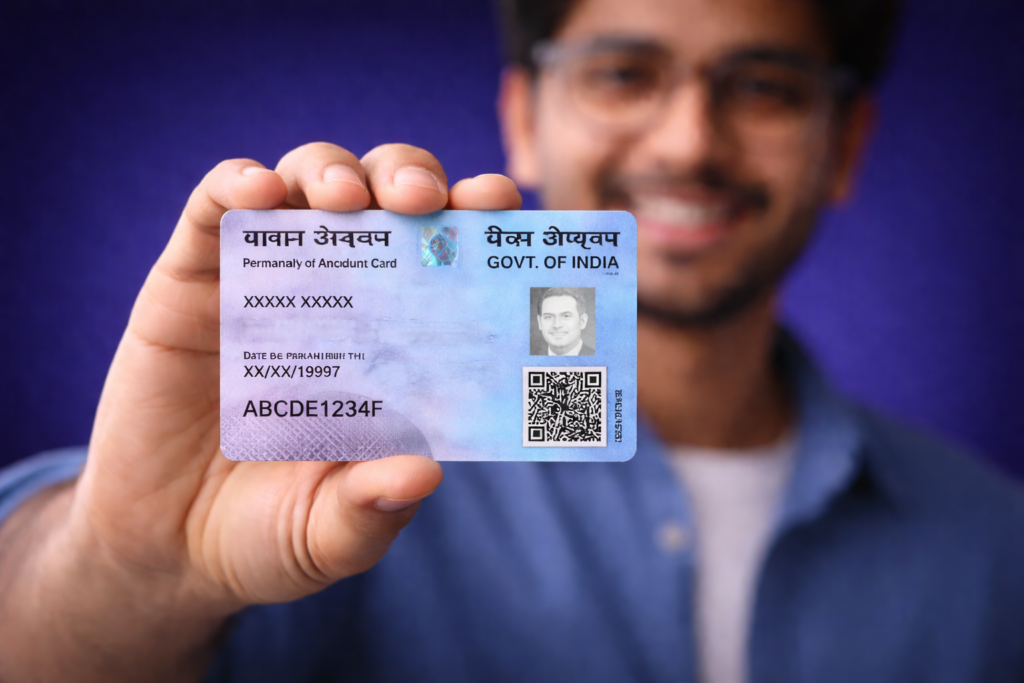
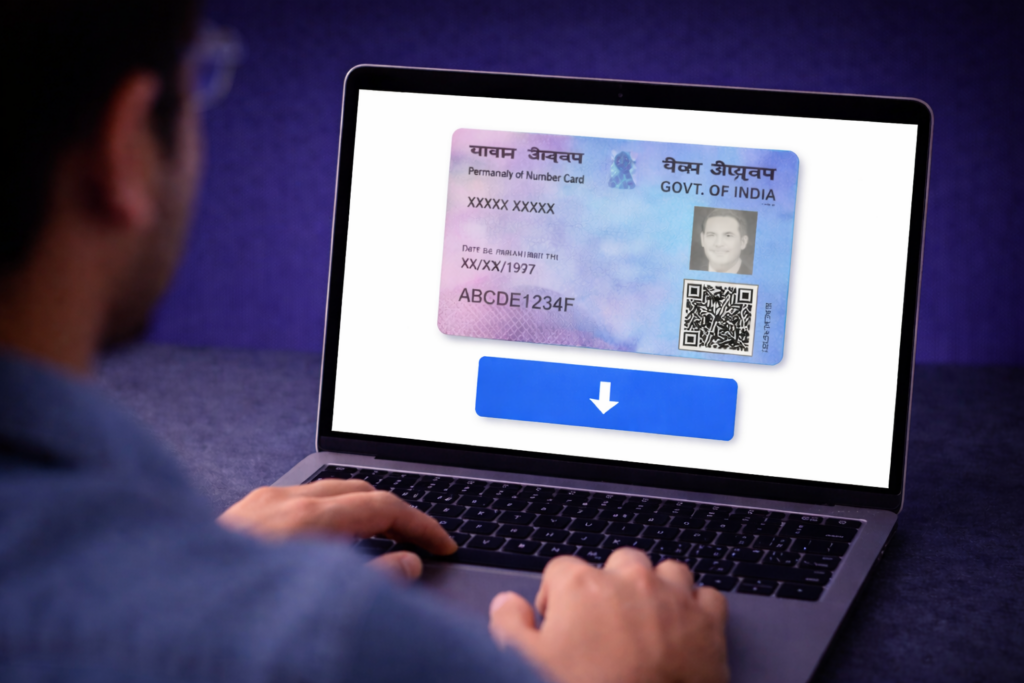
The e-PAN is a digitally signed version of your permanent account number. It contains your name, date of birth, photograph and the unique ten-character alphanumeric code. It carries the same legal weight as a physical card for all financial activities, such as opening a bank account or investing in stocks.
There are some perks of having an e-PAN card. It helps prevent the loss of your PAN card or any kind of damage from wearing it out. Also, when you have downloaded an e-PAN card, you get access to the necessary information instantly. This comes in handy while you are going through the KYC procedure.
Where Can You Download Your e-PAN Card?
The download process depends on which agency processed your original application. There are three primary portals where you can initiate a PAN card download:
- Protean (formerly NSDL) Portal: Use this if your card was issued through NSDL.
- UTIITSL Portal: Use this for cards processed via UTIITSL.
- Income Tax e-Filing Website: This is used for those who obtained an instant PAN using Aadhaar.
How to Download e-PAN Card Online
The online download process is designed to be user-friendly and secure. Follow these general steps to retrieve your digital card:
Step 1: Visit the Authorised Website
Go to the official portal of NSDL or UTIITSL based on your card issuer. Look for the section titled “Download e-PAN”.
Step 2: Enter Your PAN Details
Input your ten-digit permanent account number and other required details like your Aadhaar number and date of birth. Ensure the data matches your records exactly.
Step 3: Validate Your Identity
The system will send a One-Time Password (OTP) to your registered mobile number or email ID. Enter this code to verify that you are the rightful owner of the account.
Step 4: Download the e-PAN Card
Once verified, click on the download button. You can choose to download the file in PDF or XML format.
How to download e-PAN card via UTIITSL?
If your card was issued by UTIITSL, visit their dedicated PAN services portal. You will need to enter your PAN, date of birth and a captcha code. If the application was made within the last thirty days, the e-PAN download is generally free. For older records, a small fee may apply.
How to download an e-PAN card from the Income Tax portal?
The Income Tax e-filing portal offers an “Instant e-PAN” facility. This service is available for those who have a valid Aadhaar linked to their mobile number. Select the “Check Status/Download PAN” option on the homepage. After Aadhaar-based OTP verification, you can view or download the digital card immediately.
How to download an e-PAN card without a PAN number?
If you do not remember your permanent account number, you can use your acknowledgement number. This fifteen-digit number is provided at the time of application. Visit the NSDL or UTIITSL portal, select the “Acknowledgement Number” option and enter the digits along with your date of birth to proceed with the e-PAN card download.
How to download an e-PAN card with a PAN number?
It is one of the simplest methods. First, you need to visit the official website of the authorised service provider. Select “PAN” from the drop-down menu. You then need to enter your ten-digit code, the Aadhar number and DOB (for individuals).
How to download an e-PAN card by name and Date of Birth?
Directly downloading the card using only a name and date of birth is not currently permitted for security reasons. However, you can use the “Know Your PAN” facility on the Income Tax website to retrieve your number first. You will need to provide your name, date of birth and mobile number for OTP verification. Once you have the number, you can proceed with the download.
How to Download Your PAN card using your mobile number?
The mobile number itself cannot be used to search for a card, but it is the primary tool for authentication. Whether you use the NSDL portal or the e-filing site, an OTP is sent to the registered mobile number. Without access to this number, you cannot complete the digital download process.
How to Download Your PAN Card from DigiLocker?
DigiLocker is a secure cloud-based platform for storage and verification of documents. After logging into your DigiLocker account, search for “Income Tax Department” in the “Issued Documents” section. Select “PAN Verification Record”, enter your PAN and your name as per the card. The digital record will be fetched and saved in your account for permanent access.
How to Download an e-PAN Card Using an Aadhaar Number?
The procedure is unique to the “Instant PAN” service available through the e-filing portal. By entering your twelve-digit Aadhar card number, your biometric information will be authenticated using an OTP on your registered mobile phone. This will help you to download the e-PAN without having to rely on any other form of identification or submitting a physical form.
How to Download an e-PAN Card With an Acknowledgement Number?
If you have recently applied for a new card or a correction, use the acknowledgement number found on your receipt. On the NSDL or UTIITSL website, toggle the input mode from “PAN” to “Acknowledgement Number”. This is particularly useful if the physical card has not yet been delivered to your home address.
How to Download Duplicate PAN Card?
A duplicate PAN card is simply a reprint of your existing card with the same permanent account number. If you lose your original, you can apply for a reprint on the NSDL or UTIITSL website. During this process, you are also given the option for an e-PAN card download, which provides a digital replacement almost instantly while the physical card is in transit.
Common Issues While Downloading e-PAN Card
One frequent issue is a “Mobile Number Not Registered” error. This happens if your current number is not updated in the tax department’s records. You must file a correction application to update your contact details before you can use the OTP-based download. Another issue is the “Record Not Found” error, which may occur if you are trying to download from NSDL when your card was actually issued by UTIITSL.
Sometimes, the downloaded PDF might not open. The file is usually password-protected. The password is your date of birth in the format DDMMYYYY. For example, if you were born on January 1, 1990, the password would be 01011990. Ensure you do not include any slashes or dashes when typing the password. Also, for companies the password is date of incorporation.
Conclusion
Understanding the process of downloading the e-PAN guarantees that you always carry your identity proof wherever you go. Whichever portal you may decide to use between the NSDL, UTIITSL and DigiLocker, the electronic PAN number makes it convenient for you to invest within the Indian market.
FAQs on How to Download e-PAN Card
The download is typically instant once you complete the OTP verification. If you have just applied for a new PAN, the digital version is usually generated within forty-eight to seventy-two hours.
If your PAN was issued or updated within the last thirty days, the download is free. For older records, service providers like NSDL or UTIITSL charge a nominal fee.
Yes, you can access the official portals via a mobile browser to download the PDF. You can also use the DigiLocker app on Android or iOS to fetch and store your PAN record securely.
You generally need your ten-digit permanent account number, your Aadhaar number and your date of birth. Access to the registered mobile number is also mandatory to receive the verification OTP.
Yes, the e-PAN is a legally valid document under the Information Technology Act, 2000. It is accepted for all major financial transactions, including opening bank accounts and filing income tax returns.
Disclaimer: Investments in securities markets are subject to market risks. Read all the related documents carefully before investing. The securities quoted are exemplary and are not recommended.