When you apply for a Permanent Account Number it usually means you have to wait for a certain period of time. This identification is a ten-digit alphanumeric code. The Income Tax Department issues this code to track financial transactions. Applicants often want to know the progress of their application. Online tracking tools provide a quick way to verify this information from home.
Key Takeaways
- As an applicant, you can verify the progress of your PAN card status using an acknowledgement number
- NSDL and UTIITSL websites offer portals to track PAN card status
- Aadhaar numbers serve as an alternative method for checking status on the I.T. portal
- Status updates help identify errors or delays in the delivery of the physical card
What is a PAN Card?
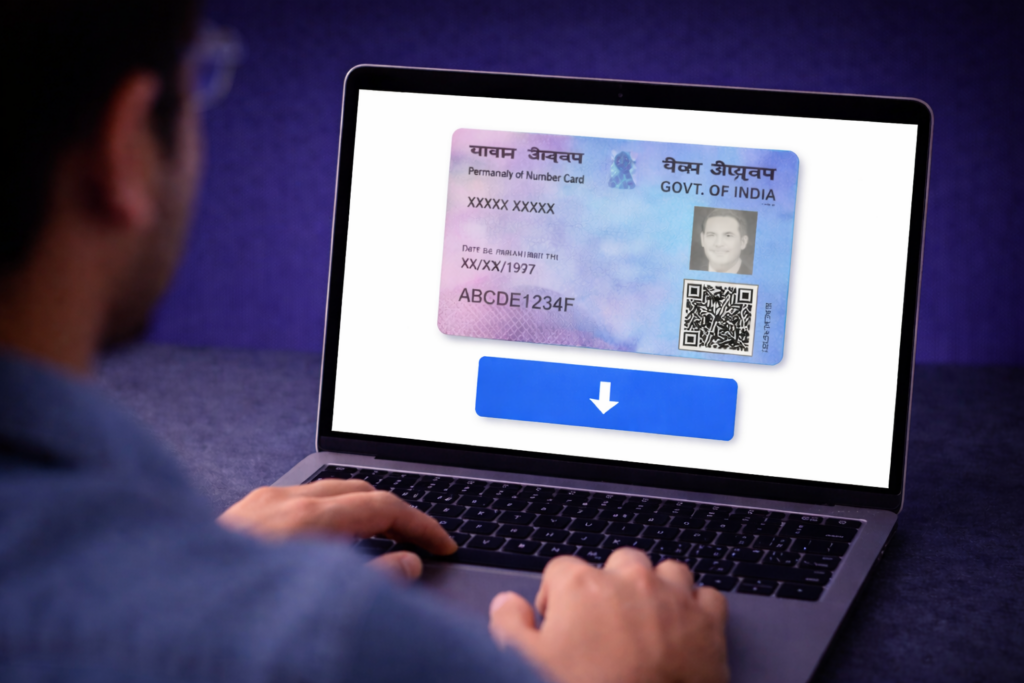
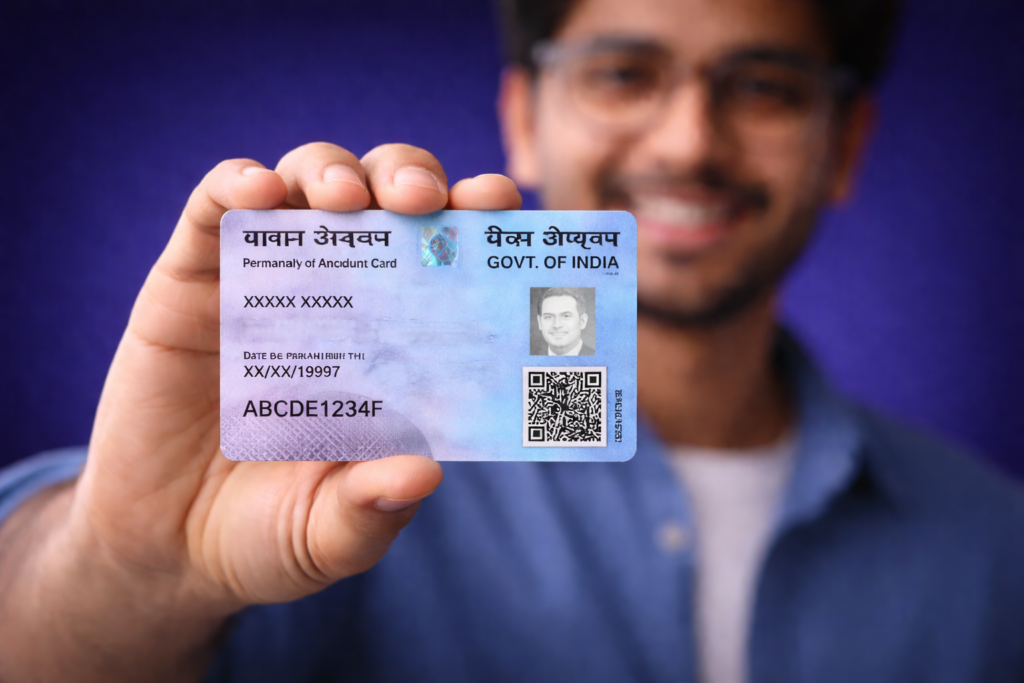
A Permanent Account Number is a physical card containing a unique identity code. The Income Tax Department manages these records under the supervision of the Central Board of Direct Taxes. This card acts as a primary identifier for tax purposes in India. It links all financial activities like tax payments and credits to a single folder.
Every individual or entity earning taxable income in India needs to have a PAN card. You need it to open a bank account or apply for a credit card. It is also required for buying high value assets like property or vehicles. The card remains valid for the lifetime of the holder across the entire country.
Financial institutions and the SEBI require this identification for investments. Stock market trades on the National Stock Exchange or Bombay Stock Exchange cannot happen without it. It serves as a reliable proof of identity for various legal and official procedures.
How to Check PAN Card Status Online
The process to track pan status is now completely digital and straightforward. Two main agencies handle that handle these are Protean eGov Technologies Limited and UTI Infrastructure Technology and Services Limited. You must identify which agency processed your form to use the correct portal. This information is usually printed on the receipt you received during the application. Here’s how to track a PAN card:
1. Using the NSDL Website
The Protean portal is a common choice for many applicants. You receive a fifteen digit acknowledgement number after submitting your form. You must keep this number safe to track PAN card progress.
- Visit the official Protean (formerly NSDL) PAN tracking page.
- Select your application type from the dropdown menu.
- Type your acknowledgement number into the box.
- Enter the security code shown on the screen.
- Click submit to see your current application stage.
The screen may show that your application is under process at the I.T. Department. It might also state that the card is dispatched. In such cases the portal often provides a waybill number. You can use this number on the speed post website to see where your parcel is located.
2. Using the UTIITSL Website
If you applied through a UTIITSL centre, the tracking details differ slightly. You will need your application coupon number or your existing PAN.
- Go to the UTIITSL PAN tracking portal.
- Input the application coupon number as printed on your acknowledgement receipt.
- Provide your DOB as mentioned in the application.
- Enter the captcha code for verification.
- Press the submit button.
This portal displays whether the department approved your request. It clarifies if there are discrepancies in your documents. Fixing these issues quickly helps in the timely issuance of the card. You can check PAN card status to ensure your records are up to date.
Tips for a Smooth PAN Card Application Process
A smooth experience depends on the accuracy of the data you provide. Minor errors can lead to long delays or rejection.
1. Ensuring Accurate Personal Information
Filling the correct details is vital when filling out the application form. Make sure your name matches the spelling on your Aadhaar card exactly. Differences in initials or surnames can sometimes cause the system to flag the application.
Double check your DOB and father’s name. These fields are mandatory for individual applicants. Using a high quality photograph is also necessary for physical card printing. Avoid using old photos, blurred photos and photos that do not meet the specified dimensions.
2. Following Up with the Issuing Authority
Sometimes an application stays in one stage for several weeks. You can track the PAN card status regularly to catch these pauses early. If the status does not change for over fifteen days, contact the helpdesk.
NDSL and UTIITSL provide email support and helpline numbers for any queries that you might have during the process. Have your acknowledgement or coupon number ready before calling. You may need to provide additional documents if the authority requests them via email. Professional tax consultants can help if the technical requirements seem confusing.
Conclusion
The ability to track PAN card progress online simplifies a once manual process. Digital portals provide transparency. This helps applicants to stay informed about their documents. By using the acknowledgement number anyone can confirm if their application is moving through the correct channels.
Using these tools will make sure you receive your card without any unnecessary hurdles. Accurate tracking helps you plan your financial activities that require PAN identification.
FAQs on Check PAN Card Status
A physical card usually reaches the applicant within 15 – 20 working days. This timeline starts after the department successfully verifies the documents. Digital versions or e-PANs often arrive via email within 48 hours. You can check online PAN card status to see the exact dispatch date.
If the status remains unchanged for more than three weeks, you should contact the NSDL or UTIITSL customer care. There might be a request for additional clarification or a mismatch in data in the application. You should also check your email for any communication from the tax department.
Yes, the Income Tax Department allows users to track PAN card using an Aadhaar number on their e-filing portal. This works specifically for those who used the “Instant PAN” facility. You must enter your twelve-digit Aadhaar number and verify it with a One Time Password. This method is fast and does not require an acknowledgement number.
The department sends automated updates but you should check the portal manually from time to time as well. Sometimes SMS alerts fail due to network issues or incorrect contact details. Manual tracking provides a detailed view of the application stage. It confirms if the card was returned to the sender by the post office.
You can reach the Protean call centre at 020-27218080 for general queries. The Protean helpline operates Monday to Sunday, 7:00 AM to 11:00 PM. You can email tininfo@proteantech.in for PAN/TDS-related queries. For UTIITSL, the contact number is 033-40802999.
Disclaimer: Investments in securities markets are subject to market risks. Read all the related documents carefully before investing. The securities quoted are exemplary and are not recommended.