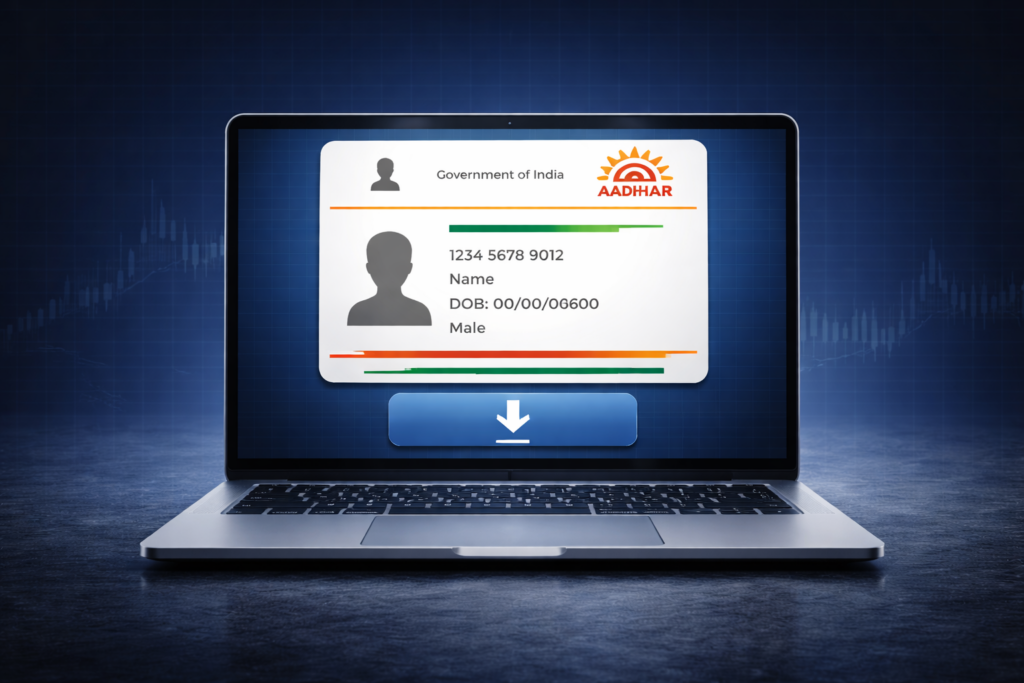
The Aadhaar card acts as a 12 digit unique identity for residents in India, managed by the Unique Identification Authority of India (UIDAI). This document serves as a standard proof of identity and address for various services. It contains your biometric data and demographic details, making it a secure way to verify your personhood.
Having a digital copy, known as an e-Aadhaar, is very useful for modern life. It is legally equivalent to the physical card you receive in the mail. You can use it for quick verification at banks or when travelling. Several official digital paths exist to download an Aadhaar card safely.
Key Takeaways
- The e-Aadhaar is a legally valid digital document that holds the same value as the physical Aadhaar letter.
- You must have access to the mobile number registered with UIDAI to receive a verification code.
- Digital copies are available through the UIDAI portal, the DigiLocker app or the official mAadhaar application.
Ways to Download Aadhaar Card Online
The government provides several digital methods to access your identity documents. Whether you use a computer browser or a mobile app, the steps are designed to be straightforward. Each method relies on specific details like your Aadhaar number to maintain data security.
1. Steps to Download Aadhaar Card Online via UIDAI Portal
The official UIDAI portal is the main hub for all Aadhaar-related tasks. It lets residents get Aadhaar data directly from the national database. You will need your 12 digit number or the enrollment details found on your registration slip. A working internet connection and your registered mobile phone are required for the security check.
Step 1: Visit the UIDAI Official Website
Go to the official UIDAI website. Find the “My Aadhaar” section on the main menu. Click on the “Download Aadhaar” option. This link will take you to the “myAadhaar” dashboard which is the current portal for these services.
Step 2: Enter Personal Details
Enter either Aadhaar Number, Enrollment ID or Virtual ID. It is important to type the digits accurately. You must also enter the Captcha code.
Step 3: Generate OTP
Press the “Send OTP” button. A six-digit One-Time Password (OTP) will arrive on the mobile phone linked to your Aadhaar. If you no longer have access to the number on record, you will need to update your registered mobile number on Aadhaar before you can complete the download. Type this code into the website. You can select the “Masked Aadhaar” box if you want a version that hides most of your Aadhaar digits for extra safety.
Step 4: Download the Aadhaar Card
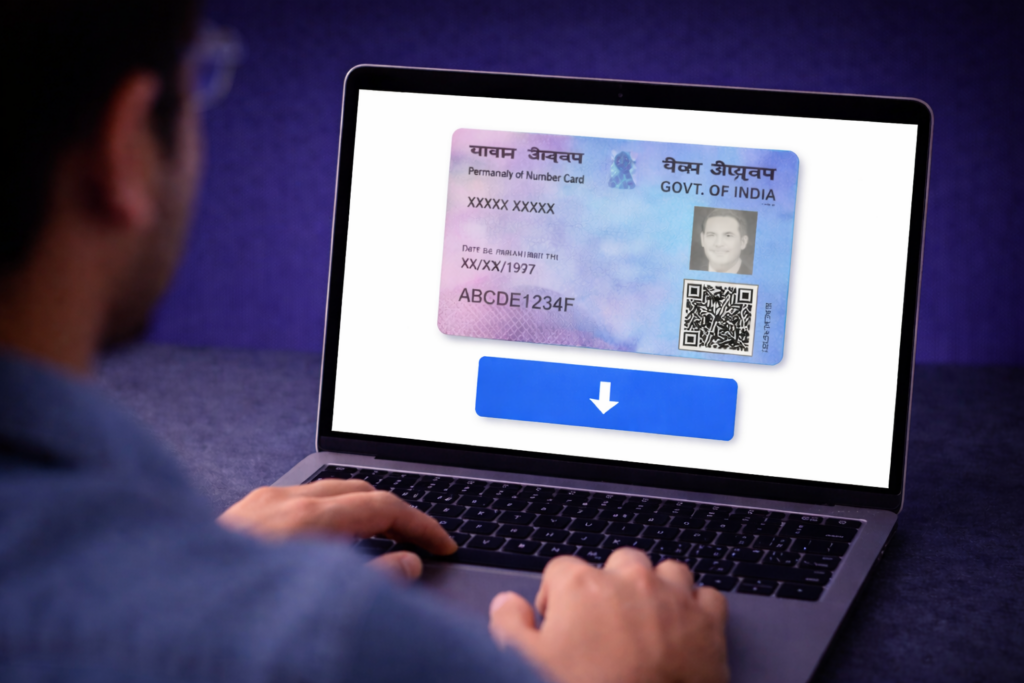
Once the code is verified a “Download” button will appear. Click it to save the online Aadhaar card download file as a PDF. This file is locked with a password. Usually, the password is the first four letters of your name in caps, followed by your birth year. You will need a PDF reader to open it.
2. Download Aadhaar Card Using Aadhaar Number
Using your 12-digit ID number is the fastest way to get your file. Many people use this if they have misplaced their physical card but know the number. Just go to the portal and choose the “Aadhaar Number” option. The system provides the most current version of your ID immediately.
3. Download Aadhaar Card Using Name and Date of Birth
You can find your details even if you do not have your ID number or enrollment slip. Use the “Retrieve EID/Aadhaar Number” tool on the UIDAI site. Enter your full name and your registered mobile number or email address, along with the captcha code. After a quick check, the system texts the ID number to your phone. You can then proceed with a My Aadhaar download.
4. Download Aadhaar Using Enrollment ID (EID)
When you first apply for a card, you get an acknowledgement slip. This slip has a 14-digit enrollment number and a 14-digit date stamp. Combined, these make the 28-digit EID. Choose the EID option on the site and enter these numbers to find your electronic record.
5. Download Aadhaar Using Virtual ID
A Virtual ID (VID) is a temporary 16-digit code linked to your Aadhaar. It helps you share your identity without giving away your actual Aadhaar number. You can create one on the UIDAI site. Select the “Virtual ID” button on the download page and follow the usual verification steps.
6. Download Aadhaar Card Through DigiLocker Account
DigiLocker is a digital wallet for government-issued documents. Sign in using your mobile number or Aadhaar. Look for “UIDAI” in the “Issued Documents” tab. Once you give your consent, DigiLocker pulls your record from the database. It stays in your account for easy access whenever you need it.
Just like Aadhaar, several important identity documents in India are now available in digital form, making them easier to access and use for official purposes. For instance, you can also download your e-PAN card directly from the Income Tax portal without needing a physical copy. Also you can check your PAN card application status online to track where your application stands.
7. Download Aadhaar Card Through Umang App
The Umang app hosts many different government services in one place. Open the app and search for Aadhaar. You will need to sign in and pass an OTP check. After that, you can view or download the e-Aadhaar to your phone storage. This is a good option if you also use the app for tax or pension services.
8. Download Aadhaar Card Using Aadhaar Mobile App
The mAadhaar app is the official mobile tool from UIDAI. It lets you carry your identity on your phone securely. This is a great choice for people who do not want to carry paper documents. It uses QR codes for quick sharing at places like airports.
Step 1: Download and Set Up Aadhaar App
You can find the mAadhaar app on the Google Play Store or the Apple App Store. After installing it, create a profile by making a four-digit PIN. Verify your mobile number using an OTP. You must have access to your registered mobile number to receive the OTP during setup.
Step 2: Access Aadhaar Details
Open the app and tap the “Download Aadhaar” button. You can choose to use your ID number or the enrollment details. The app will ask for one final OTP to make sure the right person is looking at the data.
Step 3: Save Digital Copy
The app creates a PDF version of your card. You can keep it inside the app or save it to your phone folders. Keep your phone locked with a password to stay safe. The copy in the app stays updated with your latest information.
Once you have downloaded your Aadhaar card, you can use it for a variety of official purposes including KYC verification, linking with bank accounts, and government services. One important step every taxpayer should take is to link your Aadhaar with PAN card to avoid penalties and keep your tax records updated.
Print Options for Digital Aadhaar
After you finish the Aadhar card download, you might want a paper copy. A simple printout on A4 paper works fine. For something more durable, you can print it on a plastic card. UIDAI also provides a service to mail you a plastic “PVC Aadhaar Card” for ₹75 which includes the delivery cost.
A physical copy is useful when you have no internet access. Some places might still ask for a paper photo of your ID. Make sure the QR code on your printout is easy to see. This code lets officials check your details even without a live connection to the database.
The Aadhaar card holds key demographic details such as your name, date of birth, gender, and address. Keeping these details accurate is important for seamless verification across services. If you have recently relocated, you should change your address in Aadhaar card to ensure your records are up to date.
Conclusion
Getting your digital identity is simple with the different download aadhaar card tools now available. Whether you prefer the website, the mAadhaar app or DigiLocker, the process takes only a few minutes. Digital records help you stay ready for any official task in the Indian economy. Use official channels to keep your information private. For more guides on managing your digital financial documents, visit Appreciate.
Also Start Investing with Daily SIP at Just ₹11 with Appreciate
If you’re looking to diversify your portfolio with international mutual funds, Appreciate offers an easy way to get started. With Daily SIP at just ₹11 a day, you can begin investing in top mutual funds without committing large amounts upfront. This allows you to take advantage of market growth, diversify your investments, and build wealth over time—all while keeping your investments manageable. Start small, invest regularly, and watch your wealth grow with the power of Daily SIP through Appreciate.
FAQs on download the Aadhaar Card Online
You do not need any paper documents for this. You just need your 12-digit Aadhaar number, your 16-digit Virtual ID or your 28-digit Enrollment ID. You must also have the mobile phone that is linked to your records to receive the security code.
There is no limit on how many times you can do an Aadhar card download. You can get a new copy whenever you lose the old one or update your address. Every download requires a new security code sent to your phone.
Yes, you can use the Virtual ID or the Enrollment ID if you do not have your main Aadhaar number. Both options are visible on the login screen of the UIDAI portal. This ensures you can always get your ID even if you only have your starting slip.
The UIDAI allows you to download your file as many times as necessary. This is helpful if you need a fresh copy after changing your phone or losing a file. The service is available 24/7 on the official website.
The e-Aadhaar is a legally accepted document under Indian law. It has the same power as the physical card sent to your home. You can use it at airports, for opening bank accounts or for getting a new mobile connection.
You cannot download the card online if your mobile number is not linked to your Aadhaar. The system needs to send a code to your phone to prove your identity. If your number is not registered, you can visit an Aadhaar Enrolment Centre where you can download and get a printout with your physical presence required for biometric authentication.
It is very safe if you use the official UIDAI website. Try to avoid using computers in public places for this. If you do use a public computer, remember to delete the PDF file and clear the history before you leave the desk.
You can only use the number that is currently in the government records for your Aadhaar. The security code will only go to that specific phone. If you need to change the number, you should consult a professional at an official enrollment centre.
Disclaimer: Investments in securities markets are subject to market risks. Read all the related documents carefully before investing. The securities quoted are exemplary and are not recommended.